Supaviral Ads
How To Create AI Product Demo Videos From A Product Photo
Plan a short product demo, prepare a reference photo, adapt an example AI video prompt, and check your finished ad before publishing.
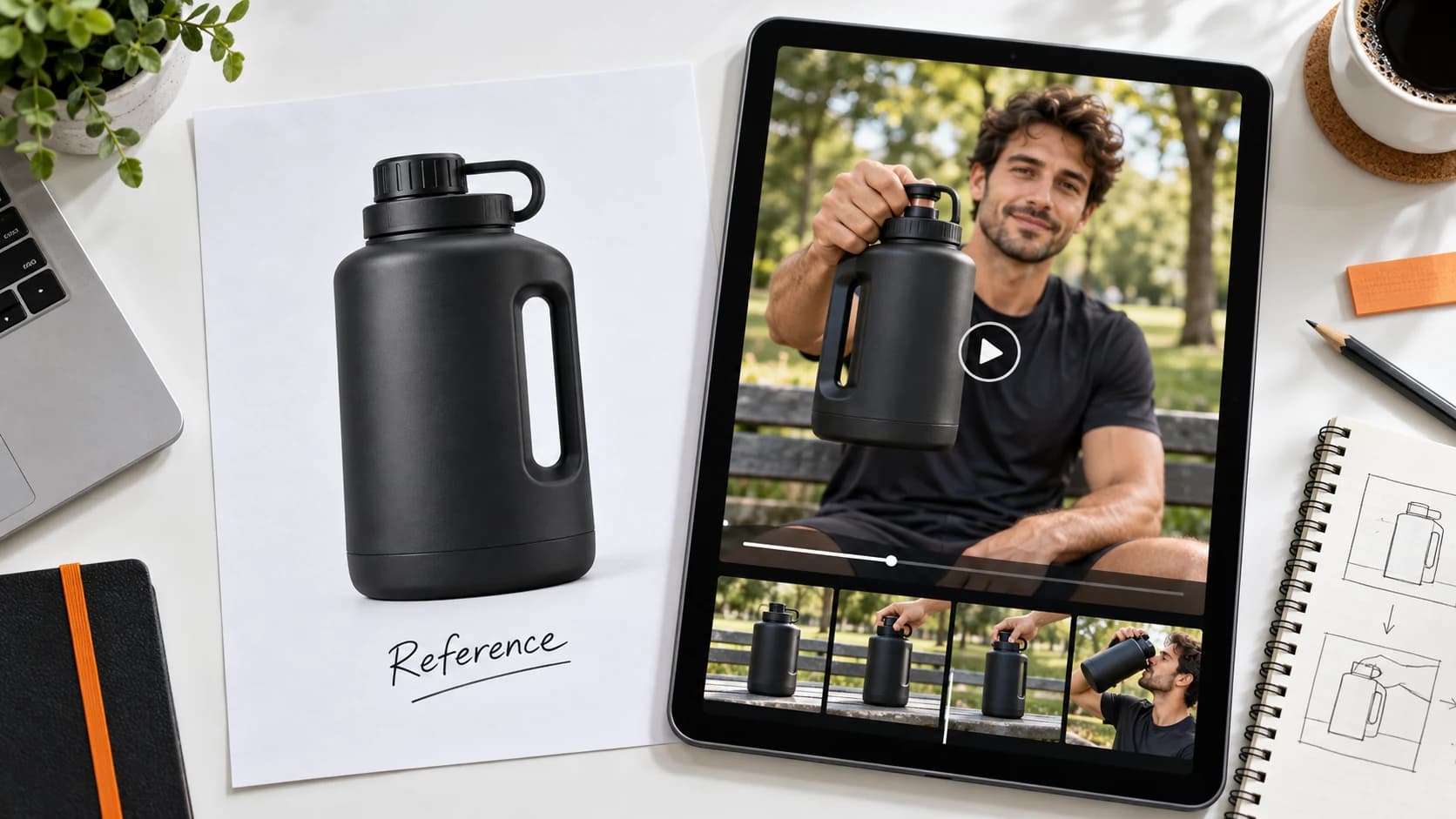
A useful product demo shows one clear action: what the product does, how someone uses it, or where it fits into their day. Start with a clean product photo and a simple scene rather than asking one generation to tell your entire brand story.
1. Choose One Action To Demonstrate
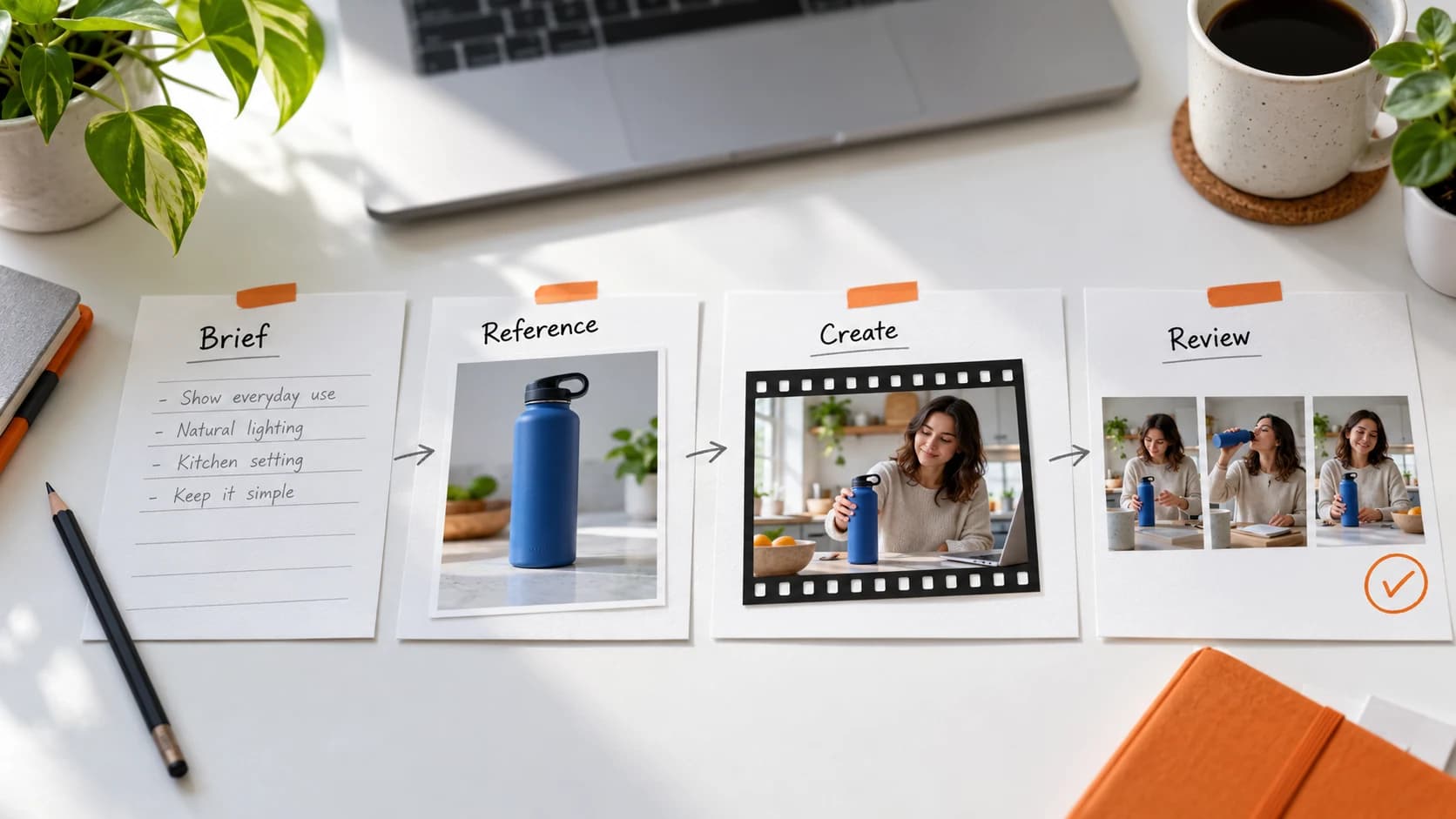
Write a one-sentence brief before opening the generator. For a water jug, that might be “a creator picks up the jug after a workout and shows the handle to camera.” For a bag, it could be “a commuter opens the bag and places a laptop inside.”
Keep the initial shot short and physically simple. A single hand movement is easier to review than a sequence involving opening, pouring, drinking, and walking. If the demonstration needs several actions, plan separate shots and assemble them in your video editor.
2. Prepare A Useful Product Reference
Use a well-lit image where the entire product is visible. The reference should show the shape, material, color, and any features the scene needs. Avoid busy backgrounds, reflections that obscure details, and objects covering the label.
Use your own product photography or images you have permission to use. A reference guides the model; it does not guarantee exact packaging or text reproduction. If legible branding matters, reserve a real product photo for the final end card.
- Check that the product is sharp and not cropped.
- Choose an angle that matches the planned action.
- Keep the reference consistent between variations.
3. Describe The Scene, Action, And Camera
In Supaviral Studio, attach the product reference and choose a video model that supports image references. Available settings depend on the selected model. Describe what should happen on screen using concrete instructions.
Adapt this example to your product. It is a starting prompt, not a guaranteed output:
Example Prompt
Create a short vertical product demo using the attached water jug as the product reference. A casually dressed adult creator stands beside an outdoor workout bench in soft morning light. The creator lifts the jug by its handle and holds it toward the camera. Medium close-up, subtle handheld camera movement, natural pacing. Keep the jug shape and color consistent with the reference. One continuous shot. No added text or graphics.
4. Review Before Generating More
Watch the full clip at normal speed, then pause on the product and hands. Check whether the handle changes shape, the label drifts, or the creator grips the object unnaturally. If something fails, simplify that part of the action and change one instruction at a time.
Do not treat an AI demonstration as proof of a product claim. If your ad depends on a precise result, such as stain removal or a device measurement, use a real demonstration that substantiates it.
5. Turn The Demo Into A Complete Ad
A demo shot can be the middle of your ad. Add a clear opening hook and a final call to action in your editor. Keep text inside the placement’s safe area and review the exported video on a phone.
Save the reference and the prompt that worked. For the next variation, change the setting or opening hook while keeping the product demonstration consistent. That gives you a clearer comparison than changing every element at once.
Ready to try it? Open Supaviral Studio or explore the plans.