Supaviral Ads
How To Build A Brand Brief For Consistent AI Ads
Turn your brand identity into a reusable creative brief, a product reference checklist, and a practical prompt for your next AI ad.
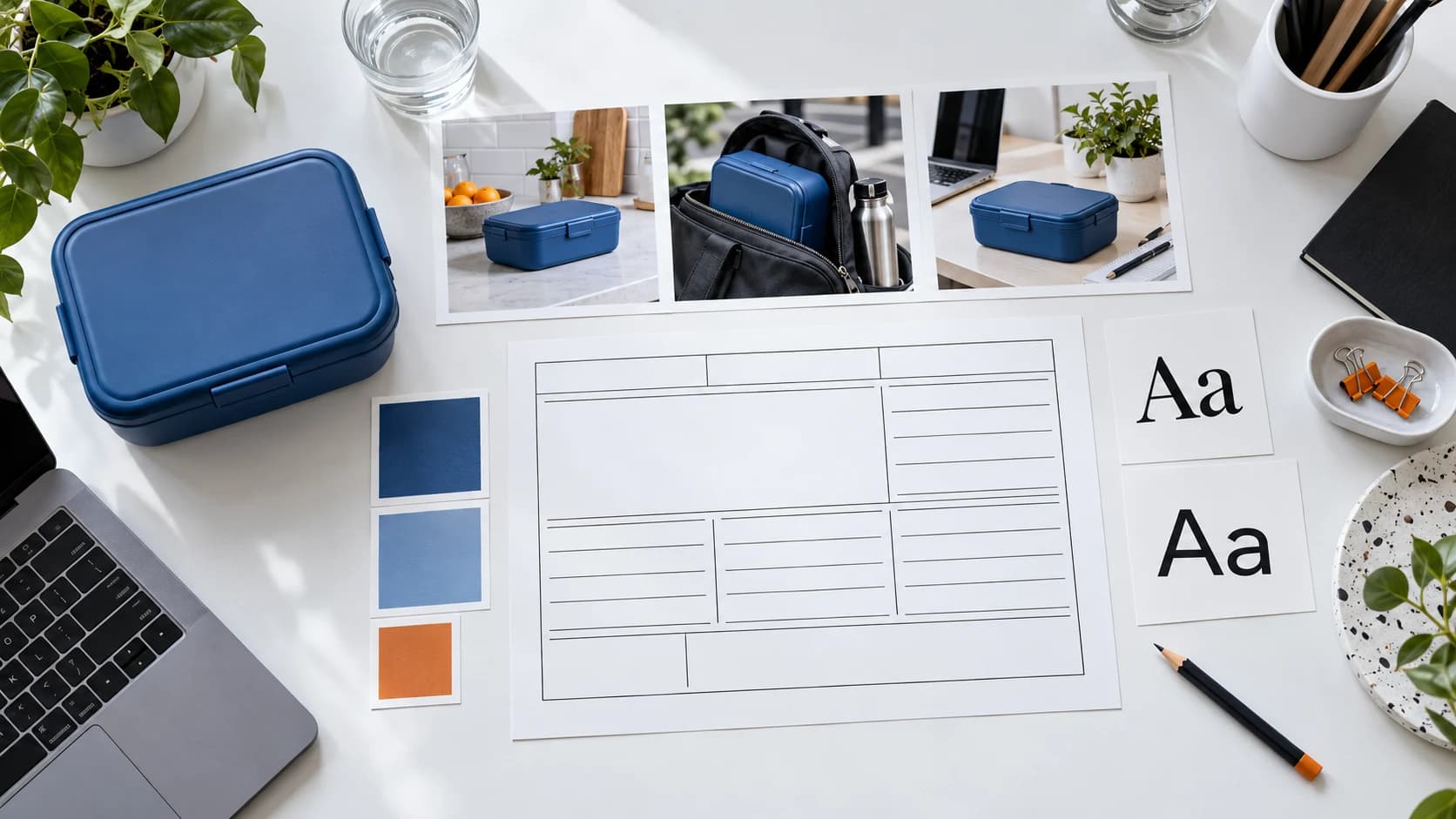
Before generating a batch of ads, decide what should stay recognizable between them. This Supaviral exercise turns a few brand decisions into a working brief you can reuse when testing scenes, creators, and hooks.
Start With A Clear Brand Identity
Holly Stanley’s Shopify guide describes brand identity through visual and verbal elements, including logos, colors, typography, imagery, and voice. It also emphasizes documenting those choices and applying them consistently. Read the original guide using the linked byline above.
The worksheet below is our application to AI ad production. It helps you decide which creative details are fixed and which are available for experimentation.
Write A Five-Line Production Brief
Imagine a fictional reusable lunch-box company called Noon. Its brief could say: “For commuters who pack lunch. Show an organized morning. Use daylight and cool blue backgrounds. Write in a calm, practical voice. Keep the real box shape and closure visible.”
Replace those details with your own product facts. Save this brief beside the product photos you intend to attach in Studio. Make it short enough to review before each generation.
- Audience: one specific situation or buying need.
- Message: one verified benefit the ad can demonstrate.
- Visual direction: setting, lighting, and palette.
- Voice: language the brand would actually use.
- Fixed assets: the product, approved logo, and final typography.
Separate Fixed Details From Test Variables
For the Noon example, keep the product reference and calm voice fixed. Test three opening situations: packing before a commute, arranging lunch at a desk, and returning the box to a kitchen shelf. Each scene explores a different context without inventing a different brand.
Use generated imagery to explore a direction. Apply exact logos and typography during final editing when precise reproduction matters. Compare the result with your approved assets instead of relying on the prompt alone.
Turn The Brief Into A Shot Prompt
Attach your product reference to a supported model in Supaviral. The following is an original scene prompt for the fictional lunch-box brief. Adjust the action to the capabilities of your selected model.
Example Prompt
An adult commuter places the lunch box from the reference image beside a folded blue napkin on a bright kitchen counter. Soft daylight, a tidy practical setting, eye-level medium shot. The hand completes one slow placement, then rests beside the box. Calm pacing and a steady camera. Preserve the reference product’s shape and color.
Review The Ads As A Set
Place three selected frames next to your real product photo and brand brief. Check the palette, product silhouette, setting, and proposed caption together. Reject a striking image if it introduces packaging or a tone your brand does not use.
Save the approved prompt with a note about the scene it produced. When you test a new audience or hook, start with that record and change the relevant detail deliberately.
Ready to try it? Open Supaviral Studio or explore the plans.