Supaviral Ads
How To Review An AI Video Ad With The ABCD Framework
Use Google’s video creative framework as a practical review checklist, then turn each observation into a specific change to your next ad.
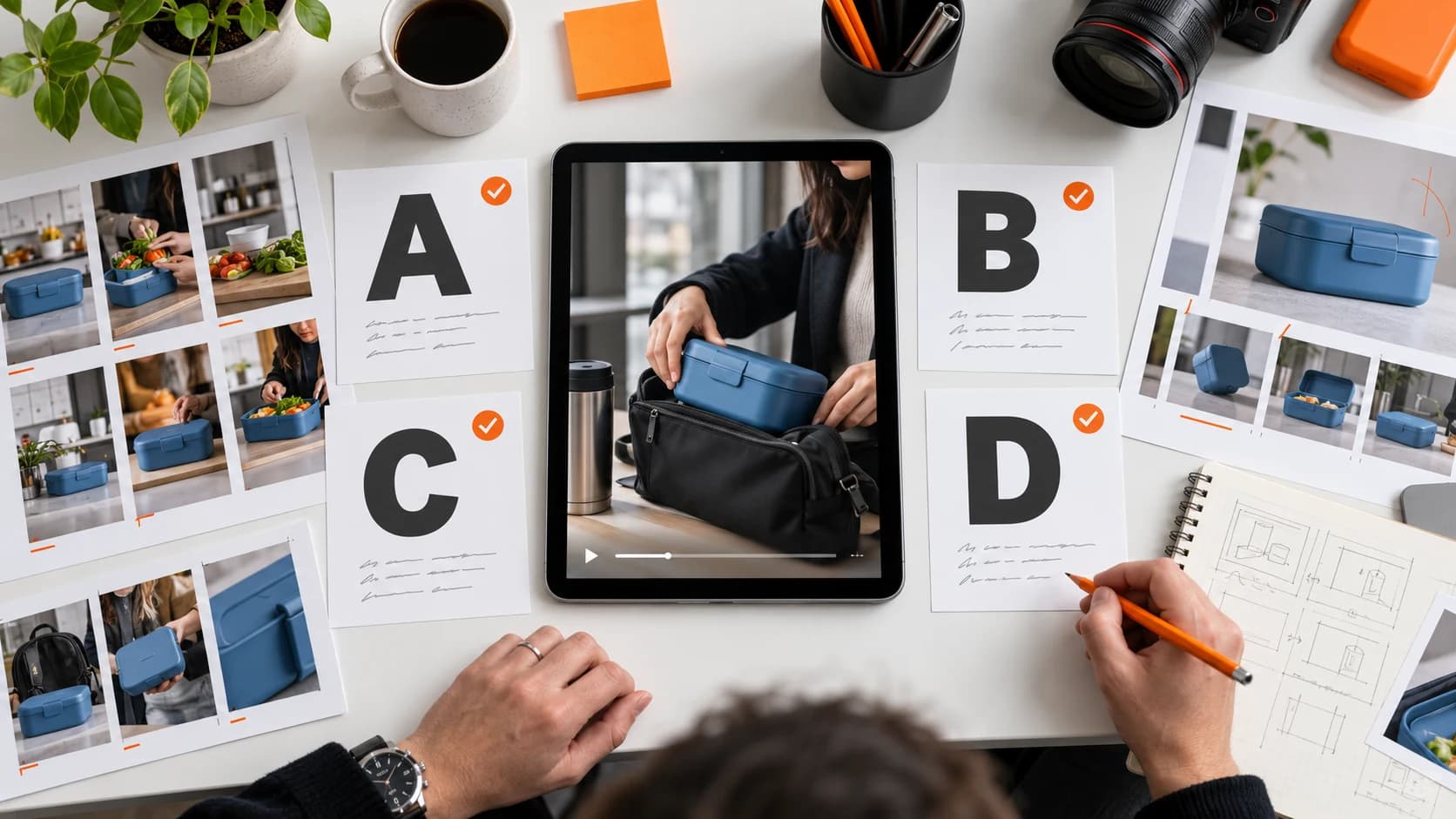
A finished generation can look impressive while leaving the product or next step unclear. This Supaviral review exercise turns a creative framework into concrete editing decisions. Use it before committing to more versions of the same idea.
Understand The Four Review Questions
Google’s video ad guidance organizes creative around Attention, Branding, Connection, and Direction. It also adjusts recommendations by campaign objective and provides separate Shorts guidance. This is a useful review framework, rather than a guarantee of results.
The questions and revision examples that follow are our practical worksheet for reviewing a fictional lunch-box ad. They are not a numerical score or a prediction of campaign performance.
Attention: What Happens First?
Watch only the opening of your draft. Can you describe what is happening in one sentence? For the lunch-box example, “a commuter sets lunch beside their work bag” establishes a situation faster than an unrelated establishing shot.
Write one observation, such as “the opening spends too long on the empty kitchen.” The next edit could begin on the hand placing the box. Trim the shot before spending credits on a completely new scene.
Branding: What Will The Viewer Recognize?
Pause the ad at several points and identify what connects the clip to your product. Check the actual box shape, approved palette, and end card against the reference assets.
If the generated label is distorted, use a real pack shot or a clean overlay in the final edit. Do not solve a recognition problem by adding a large logo that covers the feature the viewer needs to see.
Connection: Is The Situation Specific?
Read the script aloud while watching. For the lunch-box campaign, “packed before the morning commute” gives the viewer a concrete context. A vague claim about transforming everyday life does not explain much about the product.
Choose a small action you can show clearly. If the benefit depends on a measurable result, use a real demonstration with support for that claim rather than an AI scene that merely suggests it happened.
Direction: Is The Next Step Clear?
Look at the closing frame without listening. Then listen without looking. Identify whether both communicate the same next step. For a product page campaign, the offer, product name, and destination should agree.
If the viewer sees “Discover the collection” while hearing “Buy this box,” choose the action that fits your landing page and make the wording consistent.
Choose One Revision To Test
Record the most consequential problem and one proposed fix. For example: “The product appears too late; move the existing close-up into the opening.” Keep the rest of the edit stable for that comparison.
Use campaign outcomes to assess the revision once you have an appropriate comparison. The checklist explains what you changed; it does not establish that a visually stronger version will deliver more sales.
Ready to try it? Open Supaviral Studio or explore the plans.